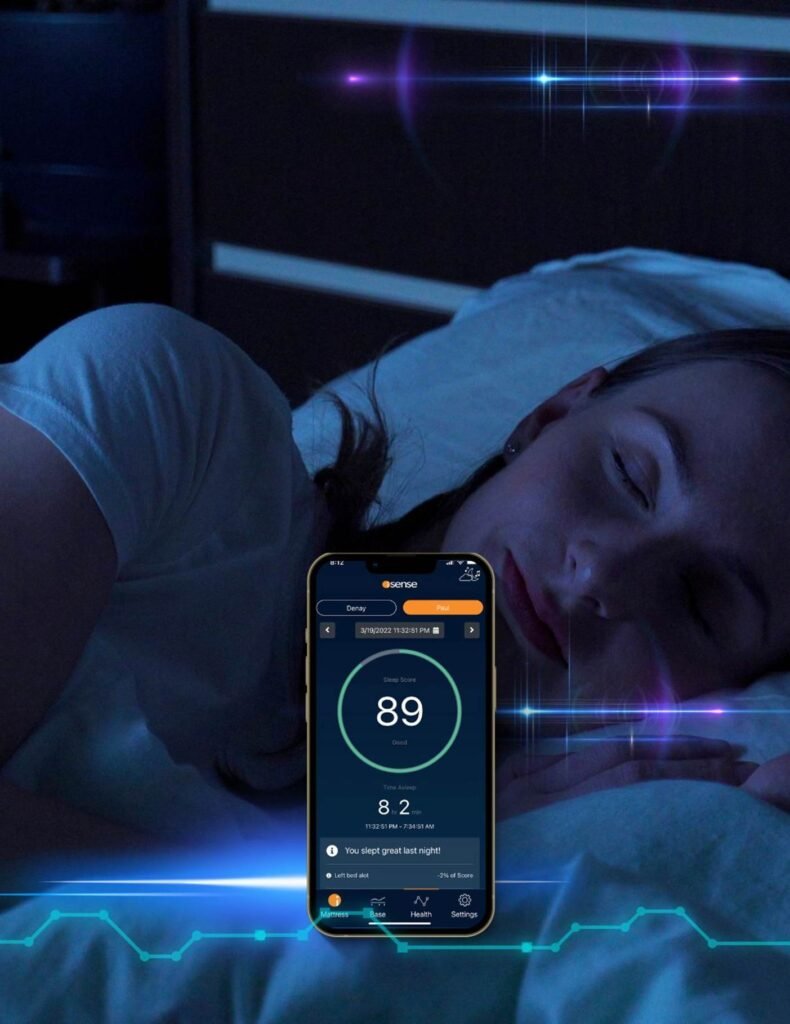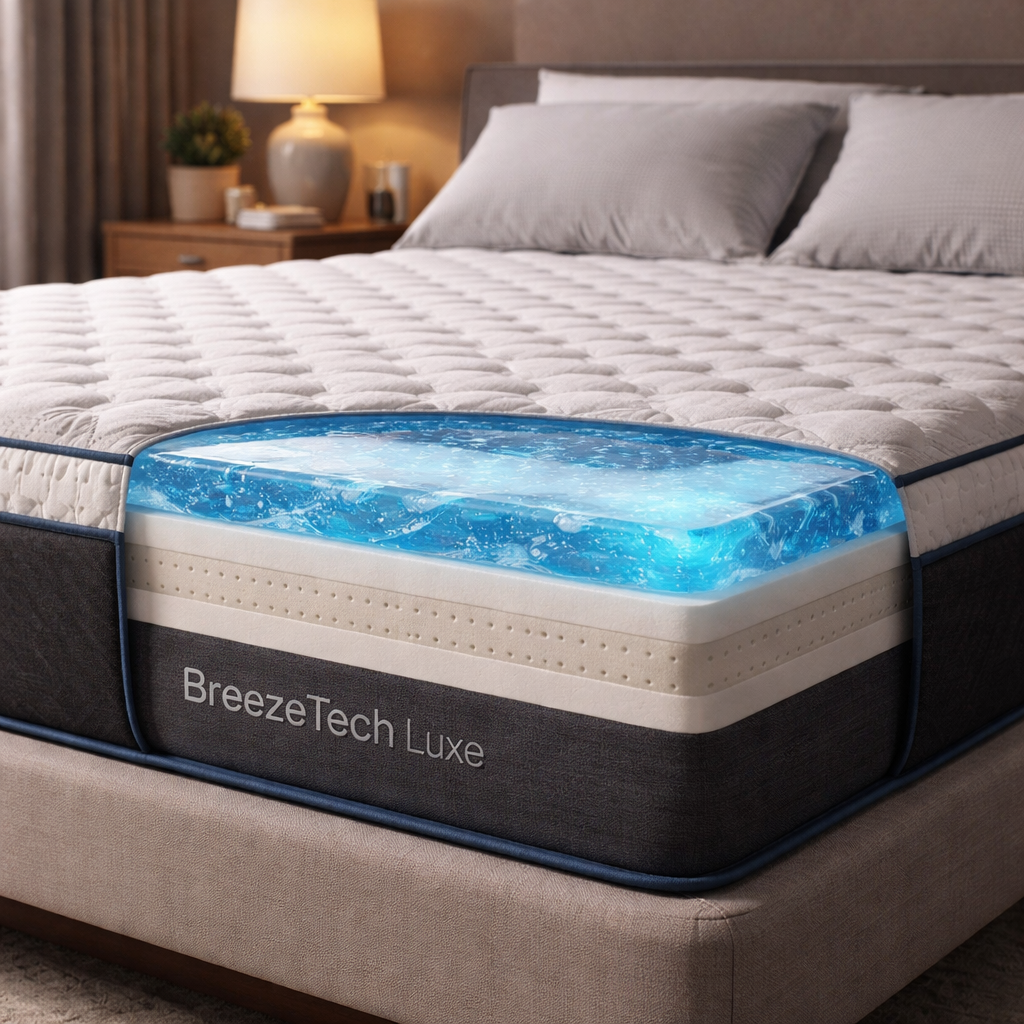
Getting the right temperature while you sleep can feel like a mystery. Most of us have woken up sweating or shivering and blamed the weather or blankets. The good news is that a smart mattress can end that guesswork. In this smart mattress temperature control guide you’ll learn how to read your bed’s features, pick the perfect sleep temperature, set schedules, use dual‑zone control, and keep everything running smooth.
Step 1: Understand Your Mattress’s Temperature Features
First, know what your smart bed can actually do. Some beds heat the surface with water tubes, others blow air through a built‑in fan. Each brand uses a slightly different method. The key is to find out whether your model offers heating, cooling, or both, and whether it can be set for each side of the bed.
Look at the product specs or the app’s help page. You’ll see terms like “active heating,” “dynamic airflow,” or “water‑based cooling.” If the spec sheet lists a temperature range, write it down. In our research we found that only half of the models we surveyed even share a range. Knowing the range helps you avoid asking the bed to do the impossible.
Next, check how the control works. Most brands use a mobile app that talks to the mattress over Bluetooth or Wi‑Fi. A few have a bedside remote. The app often shows a dial, a set of preset modes, or a schedule screen. If you see a schedule option, that’s a sign the bed can change temperature automatically during the night.
Understanding these basics saves you time later. You won’t waste effort trying to set a temperature that the hardware can’t reach. And you’ll know which side of the bed you can adjust for a partner who likes a different feel.
For health context, the CDC notes that a cool sleeping environment supports the body’s natural drop in core temperature, which helps you fall asleep faster and stay asleep longer. CDC sleep overview explains why temperature matters for sleep quality.
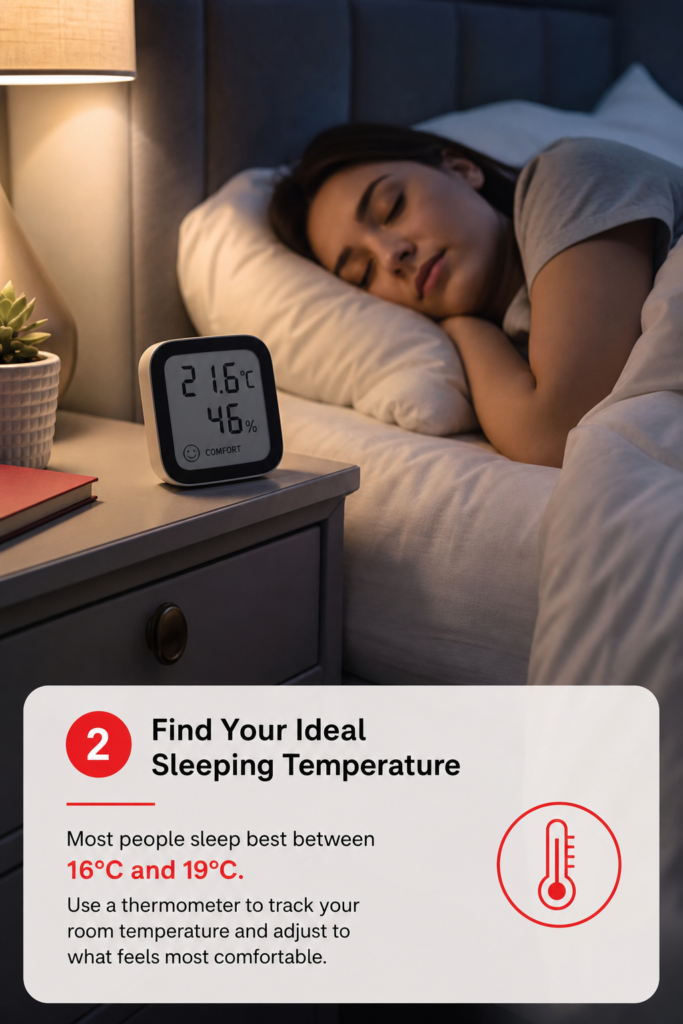
Step 2: Find Your Ideal Sleeping Temperature
Now that you know what your bed can do, it’s time to pick the temp that feels best. Sleep experts say the sweet spot for most people is between 65 °F and 70 °F (18 °C‑21 °C). Your own comfort may sit a little higher or lower depending on how many blankets you use and whether you tend to get hot or cold at night.
Start with a neutral setting. If your bed lets you pick a specific degree, set it to 68 °F. Sleep for a few nights and note how you feel in the morning. If you wake up sweaty, drop the setting by 2 °F. If you feel chilled, raise it.
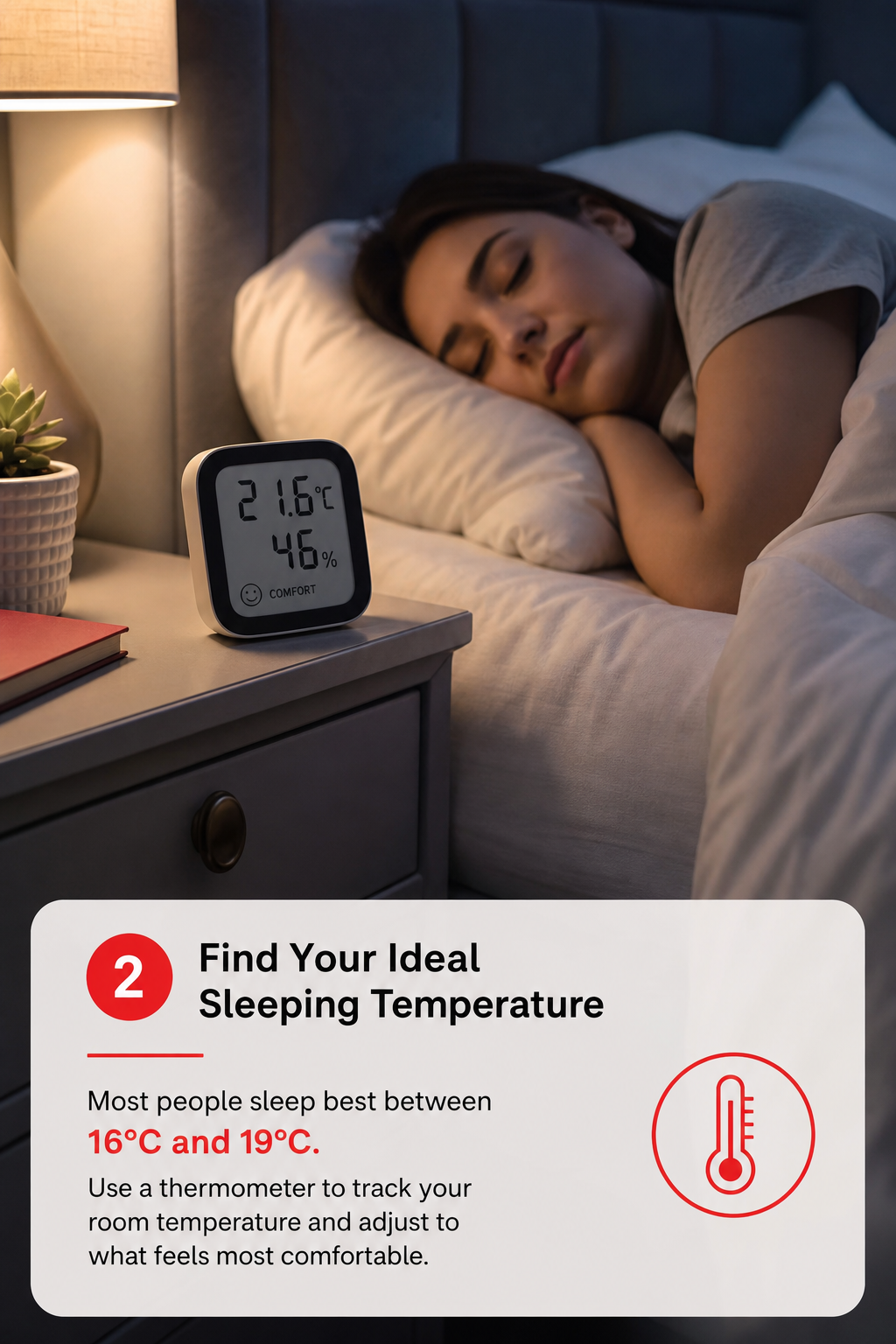
Keep a simple log. Write the temperature, the weather outside, and how you felt. After a week you’ll see a pattern. You might discover that on hot summer nights you need a lower setting, while in winter a higher one feels just right.
Wikipedia explains that the body’s core temperature drops about 1 °F each hour as you fall asleep, and a cool surface helps this process. Sleep , Wikipedia gives the science behind it.
Once you have a baseline, you can fine‑tune for personal quirks. If you use a heavy duvet, lower the bed temp a bit. If you sleep with the windows open, raise it slightly. The goal is to let your body do its natural cooling without fighting the mattress.
Step 3: Set Up Custom Schedules and Automation
With a good baseline you can move to automation. Most smart mattress apps let you set a schedule that changes the temperature at different times. This is handy if you like a warm start and a cool finish, or if you share the bed with a partner who has opposite needs.
Open the app’s schedule screen. You’ll usually see a timeline from bedtime to wake‑up. Add a “warm‑up” period 30 minutes before you plan to get into bed. Set the temperature a few degrees higher than your night setting , this helps you get out of the house on a cold morning without shivering.
Next, add a “cool‑down” period about an hour after you fall asleep. Lower the temperature by 2‑3 °F. This matches the body’s natural temperature dip and can improve deep‑sleep phases.
If your app supports AI‑driven adjustments, turn it on. The bed will read your skin temperature and tweak the setting in real time. This works best when you’ve already set a good baseline range.
Remember to sync the schedule with any smart‑home routines you have. If you use a smart thermostat, you can tell it to lower the room temperature when the bed cools, creating a coordinated climate.
SmartBeds.net offers a clear walk‑through of how to link a smart mattress to a home automation hub. Temperature Control – page shows step‑by‑step screenshots and tips.
Step 4: Master Dual‑Zone Temperature Control
Many couples struggle because one side is hot and the other is cold. Dual‑zone tech lets each side of the mattress have its own temperature. This feature is a game‑changer for shared beds.
Start by opening the app’s dual‑zone menu. You’ll see two sliders , one for the left side, one for the right. Set each side to the partner’s preferred baseline temperature. If one likes 66 °F and the other 70 °F, set those exact numbers.
Use the same schedule idea as before, but apply it to each side separately. For example, you might want the hot side to cool down earlier than the cold side. Some apps let you copy a schedule from one side to the other and then tweak the temps.
When you first try dual‑zone, give it a night or two to settle. The mattress may need a few cycles to learn each side’s heat loss pattern. If you notice one side staying too warm, lower its setting a degree and watch the next night’s log.
Keep an eye on power usage if you live in a place with high electricity rates. Running two zones at once can add a few watts, but the comfort boost is often worth it.
Step 5: Maintain and Troubleshoot Your Mattress
Even the best tech needs care. Clean the mattress cover according to the maker’s guide , usually a gentle wash on low heat. Keep the water tank (if you have one) topped up and free of mineral build‑up. A quick rinse with distilled water every month can prevent scale.
If the temperature stays stuck, start with the app. Check for firmware updates , manufacturers often release fixes that improve temperature response. Restart the app and the mattress unit; a power cycle can clear temporary glitches.
Watch for error codes. Most apps show a light‑bulb icon when sensors can’t read skin temperature. This can happen if the sensor is covered by a thick blanket or if there’s a loose connection. Adjust the bedding or tighten the connector.
When you’re unsure, the support page of the brand is the first place to look. Many brands have a troubleshooting FAQ that covers common issues like “bed not heating” or “temperature lag.” If you’ve tried all steps and the problem persists, consider a warranty claim , most smart beds come with a multi‑year guarantee.
By keeping the system clean, updated, and properly calibrated, you’ll enjoy reliable temperature control for years.
FAQ
What temperature should I set for a hot sleeper?
A hot sleeper usually feels best at the lower end of the recommended range. Start at 64 °F (18 °C) and adjust by 1‑2 °F if you still feel warm. Track how you feel in the morning and tweak until you wake up feeling refreshed.
Can I use my smart mattress with a smart home hub?
Yes. Most major brands offer Bluetooth or Wi‑Fi integration that works with Alexa, Google Home, or Apple HomeKit. You can create routines that lower the room temperature when the mattress cools, or turn off the heating when you leave the house.
Does the mattress keep the set temperature all night?
It aims to. The system reads skin temperature every few minutes and adjusts the heating or cooling to stay within the set range. Small fluctuations are normal, but large swings may indicate a sensor issue or a need for firmware update.
How does dual‑zone work for couples with different preferences?
Each side has its own sensor and heating/cooling element. You set a separate temperature for left and right in the app, and the mattress maintains both independently. This lets one partner stay cool while the other stays warm.
What if the app won’t connect to the mattress?
First, make sure Bluetooth or Wi‑Fi is on and that the mattress is within range. Restart both the phone and the mattress’s control unit. If the problem continues, check the app’s support page for a firmware update or reset procedure.
Is it safe to leave the heating on all night?
Smart mattresses have safety limits that prevent overheating. The heating element stops if it reaches the maximum safe temperature. Still, many users set a lower temperature for the night and raise it only for a short warm‑up before getting into bed.
Can I use a separate cooling pad with my smart mattress?
Yes, but it may interfere with the built‑in sensors. If you add a cooling pad, you might need to recalibrate the app’s temperature range or turn off the mattress’s own cooling function to avoid conflict.
How often should I update the mattress firmware?
Check the app’s update tab monthly. Manufacturers release patches that improve sensor accuracy and add new automation features. Updating keeps your smart mattress running smoothly and securely.
Getting the perfect sleep climate isn’t magic , it’s a series of small steps that add up. By learning what your mattress can do, finding your sweet spot, using schedules, and learning dual‑zone, you’ll turn temperature control into a nightly habit that supports deeper, more restful sleep. If you want to explore more on how smart beds can boost your health, on How Does a Smart Bed Work?. You’ll find tips on sensor data, sleep tracking, and how to sync your bed with other smart devices. Happy sleeping!
“Dual‑zone control lets each sleeper get the perfect temperature, so you both wake up refreshed.”