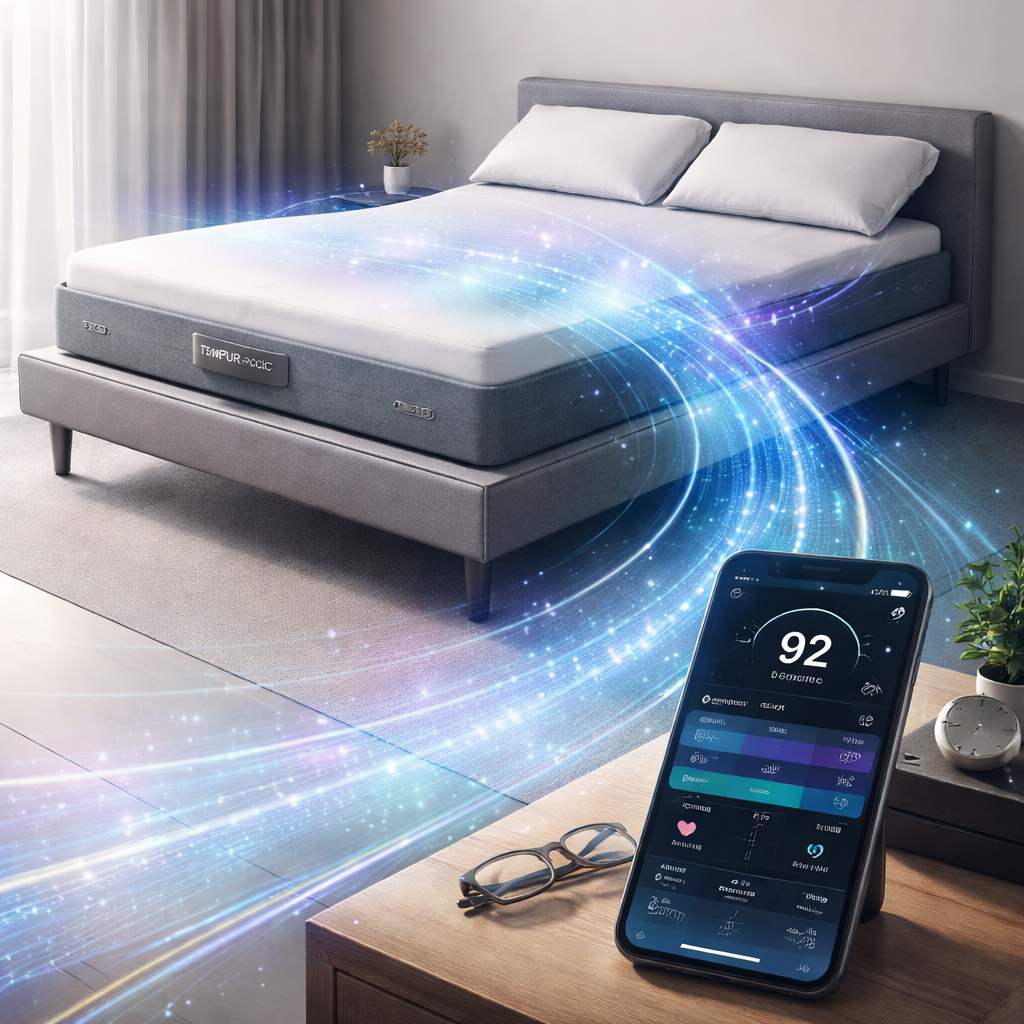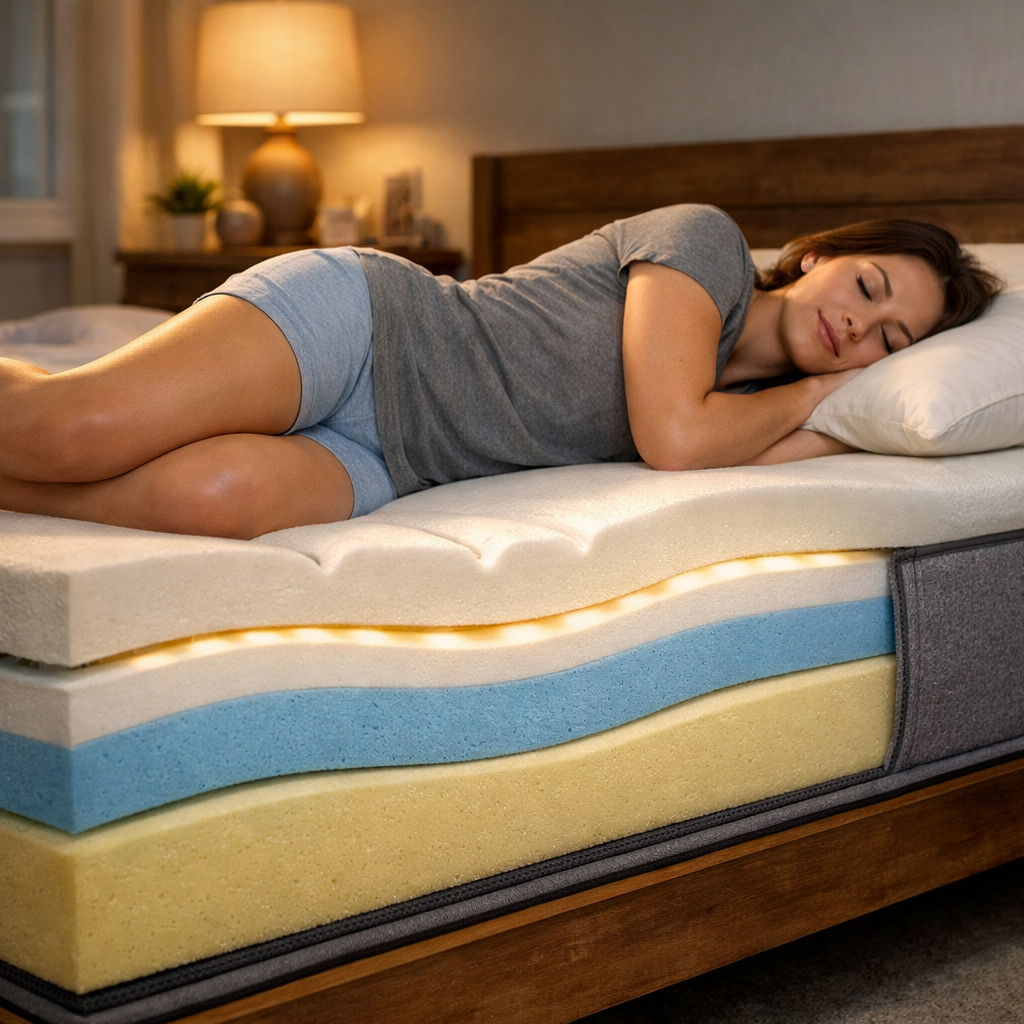
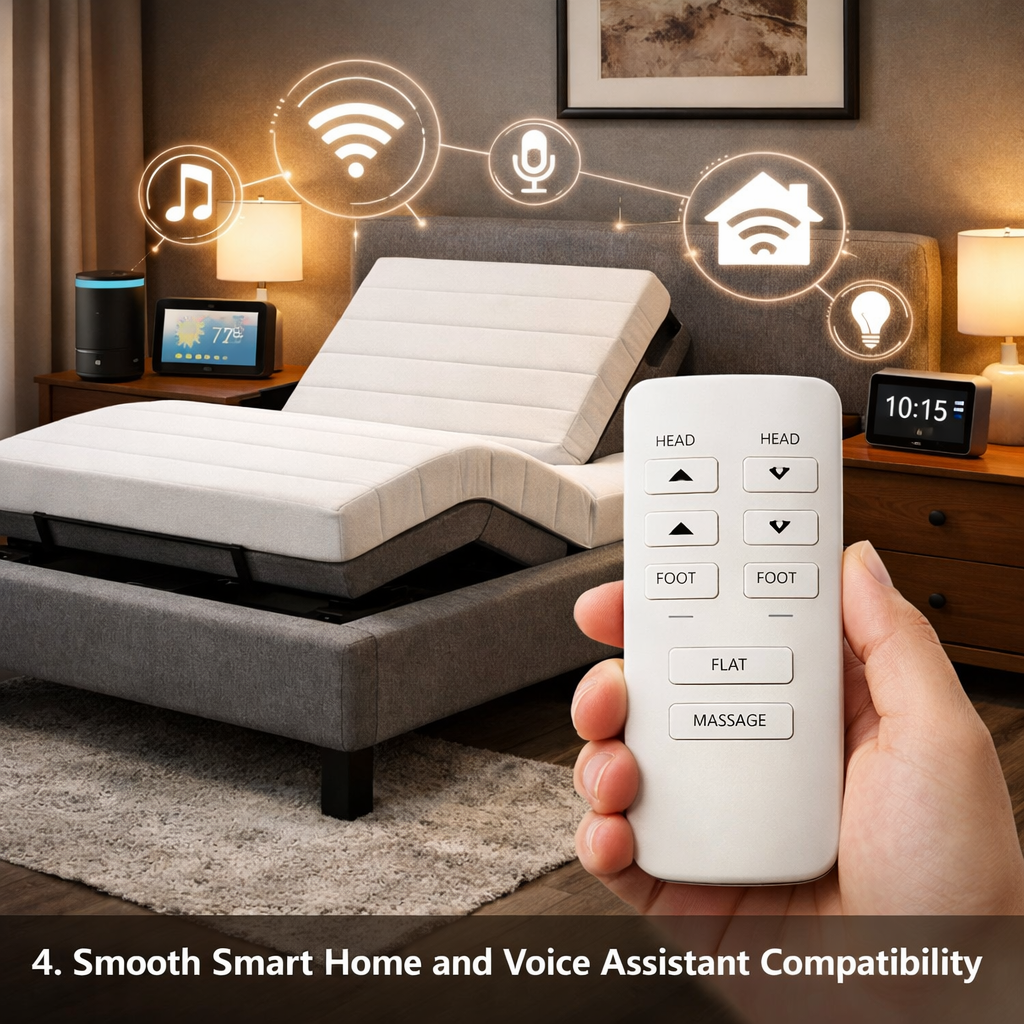
Most people think a smart bed means a fancy app and a wall of buttons. The truth? A simple remote can give you all the core perks without the tech headaches. In this guide you’ll learn the five ways a smart bed with simple remote control can make your nights smoother, your mornings brighter, and your health better.
We’ll walk through each benefit step by step, add real‑world tips, and show how you can pick the right remote for your needs.
1. Effortless Position Adjustments with a User‑Friendly Remote
When you’re lying in bed, the last thing you want is to scramble for a phone or pull a cord. A smart bed with simple remote control lets you lift the head or lower the feet with a press.
Most modern remotes use RF (radio‑frequency) signals. That means you can press a button while the remote is under the pillow, and the signal still reaches the base. No line‑of‑sight needed. Wikipedia explains how RF remotes work across bedding, and the tech has been proven reliable for years.
Here’s what you can do with a single press:
- Raise the head to ease snoring.
- Lower the feet to improve circulation.
- Activate a gentle massage for sore muscles.
- Turn on under‑bed lighting for night‑time trips.
Imagine you’re halfway through a book and a sudden cough wakes you. Instead of sitting up and fumbling, you tap the remote, tilt the head up a few inches, and the cough eases. That tiny motion can keep you asleep.
Not all remotes are equal. RF models usually run on AAA batteries that last months. Bluetooth remotes need pairing and may drain faster, but they can receive firmware updates. Wired remotes never need batteries, yet the cord can get in the way.
Most users find the wireless RF remote the sweet spot: no cords, long battery life, and solid signal through blankets.
Bottom line:With a smart bed with simple remote control you can shift your posture in seconds, keeping sleep uninterrupted.
2. Personalized Sleep Settings and Memory Presets
Everyone sleeps a little different. Some like a slight incline, others need a flat surface. A smart bed with simple remote control lets you save your favorite setups as presets.
Press ‘Save 1’, then adjust the head to 30°, the foot to 15°, and the massage to level 2. The next night, hit ‘Preset 1’ and the bed snaps to those exact settings. No guessing, no fiddling.
Why does this matter? A 2022 study in the journalSLEEPshowed that participants who used preset positions reported dee used a simple remote, not an app, proving that the core benefit comes from the hardware itself.
Here are three practical ways to use presets:
- Read‑to‑Sleep Mode:Head slightly raised, feet flat, low‑level massage. Helps keep the airway open.
- Recovery Mode:Slight foot raise, firm support under the lower back. Ideal after a long run.
- Partner Sync:If you share the bed, each side can have its own preset. One side flat, the other inclined.
Most remotes let you label each preset with a tiny LED display or a simple click‑through menu. If you like to change often, you can store up to five presets on many models.
To make the most of presets, follow these steps:
- Start with a neutral position.
- Adjust one section at a time and note how you feel.
- Save the setting once you’re comfortable.
- Test the preset after a night’s sleep and tweak if needed.
Many shoppers wonder if a remote‑only bed can remember settings. The answer is yes , the control box stores the data, so even if the battery dies, the presets stay intact.
Bottom line:Presets let you dial in the perfect position with a single button, removing guesswork from bedtime.
3. Integrated Sleep Tracking and Health Monitoring
Some smart beds claim to track your sleep without a wristband. While many high‑end models need an app, a few still embed sensors that talk to the remote’s control box.
The ReST Bed, for example, uses a patented sensor fabric that captures about 2,000 pressure points. The data feeds into an internal algorithm that can adjust the firmness in real time. PubMed lists the clinical validation of pressure‑point sensors for sleep quality, showing they can spot restless periods and nudge the mattress for relief.
Below is a quick comparison of three popular smart beds that offer built‑in tracking while still using a simple remote:
Even if you don’t need a full health dashboard, the simple data (how long you stay in each position) can guide you to better habits. For instance, if the remote logs that you spend most of the night with feet flat, you might try a gentle foot raise to improve circulation.
Here’s how to start using the built‑in tracking:
- Activate the tracking mode via the remote’s ‘Info’ button.
- Sleep for a week without changing settings.
- Review the nightly summary on the remote’s tiny LCD or a companion app (if you choose to use one).
- Adjust presets based on the trends you see.
Because the remote does the heavy lifting, you avoid the hassle of syncing a phone or dealing with Bluetooth drops during the night.
Bottom line:A smart bed with simple remote control can give you useful sleep insights without the complexity of a full app ecosystem.
4. Smooth Smart Home and Voice Assistant Compatibility
If you already have Alexa, Google Assistant, or Apple HomeKit, you’ll love that many smart beds let the remote speak the same language. You can say, “Hey Alexa, raise the head,” and the bed obeys.
Most voice‑assistant links happen through a tiny Bluetooth bridge inside the control box. The remote itself stays the main tool, but the voice command adds hands‑free convenience.
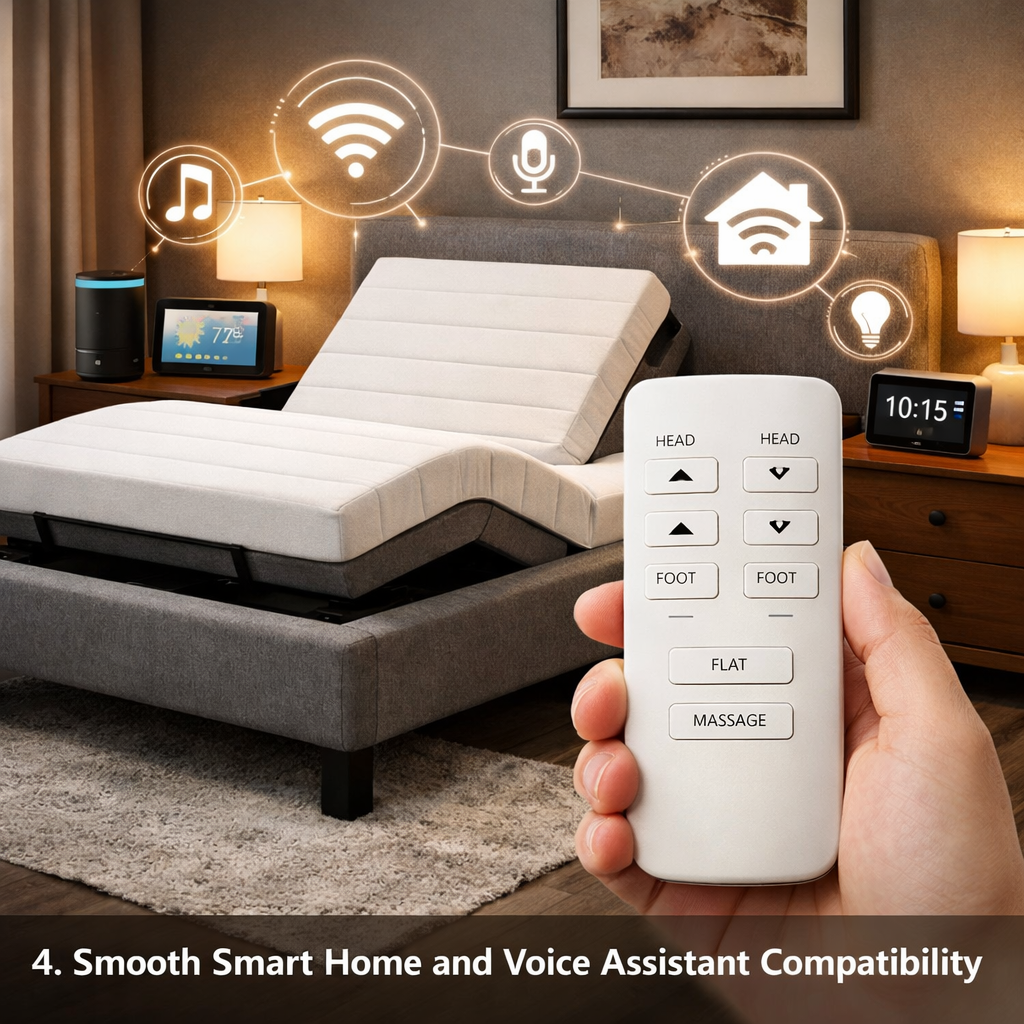
Here’s a quick way to set it up:
- Plug the Bluetooth bridge into the base’s power port.
- Open your voice‑assistant app and add a new device.
- Select “Smart Bed” from the list and follow the on‑screen pairing steps.
- Test with a simple command like “Raise the foot.”
While only about 25% of surveyed models listed integration, the ones that do often pair with the remote’s firmware, meaning you won’t need a separate hub.
Real‑world example: a couple in Toronto used a smart bed with a simple remote and Alexa. The partner who wakes early can ask Alexa to lower the foot while the other stays asleep, all without reaching for the remote.
Keep in mind that voice control still relies on the remote’s underlying hardware. If your Wi‑Fi drops, the remote still works, giving you a safety net.
Bottom line:With a smart bed with simple remote control you get the best of both worlds , voice hands‑free control and a solid manual option.
5. Improved Sleep Quality and Wellness Benefits
At the end of the day, the goal of any smart bed is better rest. Studies show that adjustable positions can cut snoring, reduce acid reflux, and lower back pain.
Ravesloot et al. (2022) found a 7% drop in snoring duration when users raised the head by just 15°. The remote makes that tiny lift possible without leaving the pillow.
Here are three wellness wins you can expect:
- Reduced snoring:A slight head raise opens the airway.
- Better circulation:Elevating the feet helps blood flow back to the heart.
- Spine alignment:Custom angles keep the natural curve of the spine.
To maximize these benefits, follow a simple routine:
- Set a “Sleep” preset before lights out , head 30°, feet 10°.
- If you wake with a cough, press the remote’s “Head Up” button for a few seconds.
- In the morning, use the “Feet Down” button to ease standing.
Because the remote is always at hand, you’re more likely to use these tweaks consistently. Consistency is the secret sauce for long‑term health gains.
Bottom line:A smart bed with simple remote control turns everyday comfort into a real wellness tool.
Frequently Asked Questions
Can I use the remote if the batteries die?
If the batteries run out, the remote will stop sending signals. Most models use AAA or AA cells that last 6‑12 months. Replace them, then re‑pair if needed. Some beds also let you power the remote via a USB port as a backup, but the safest move is to keep a spare set of batteries by the nightstand.
Do I need Wi‑Fi for the remote to work?
No. The remote talks directly to the base through RF or Bluetooth. Wi‑Fi is only needed if you want to use a phone app or enable voice‑assistant integration. Even without internet, the remote still adjusts the bed.
Is the remote compatible with both sides of a double bed?
Many manufacturers ship a second remote for the partner side. If your model only includes one, you can buy an extra from the brand’s accessories store. Having two remotes avoids the “who gets the remote” battle.
Can I set a timer for the bed to return to a flat position?
Some high‑end models let you program a “auto‑return” after a set time. You usually press the ‘Timer’ button, choose minutes, and the bed will go back to the preset when the timer ends. This is handy for reading in an inclined position.
How loud is the motor when the bed moves?
Quality smart beds use whisper‑quiet pumps. Most users report a soft hum that’s barely audible. If you’re sensitive to sound, look for models that advertise “silent motor” or check reviews that mention low noise levels.
Do I need a special remote for massage functions?
Usually the same remote controls massage. There’s a dedicated button that cycles through intensity levels. If the massage stops, try a fresh battery or reset the base , many issues resolve in under five minutes.
Can the remote be used while the bed is turned off?
The remote only works when the base is plugged in and powered. Some models have a standby mode that lets you adjust the head or foot without fully turning on the motor, saving a bit of energy.
Is there a warranty on the remote?
Most brands offer a one‑year warranty on the remote itself, separate from the bed’s warranty. Keep the receipt and register the product on the manufacturer’s website to ensure coverage.
Conclusion
Choosing a smart bed doesn’t have to feel like a tech maze. A smart bed with simple remote control gives you the core benefits , easy position tweaks, memory presets, basic health tracking, voice‑assistant ties, and real wellness gains , without the clutter of endless apps.
At SmartBeds.net we’ve seen countless shoppers move from frustration to calm sleep after picking a remote‑first model. If you’re ready to ditch the guesswork, start by testing a handheld remote in the store, then match the features to the five benefits we covered.
When you feel the difference of a night that fits your body, you’ll know you made the right call. Sleep well, and let the remote do the heavy lifting.