Smart beds promise high tech comfort, but many buyers wonder if they really need a Wi‑Fi connection. The answer isn’t a simple yes or no. In this guide we’ll unpack how smart beds work, which parts rely on the internet, and how you can still get most of the benefits without a router.
By the end you’ll know exactly what to look for, how to avoid unwanted connectivity issues, and which beds fit a Wi‑Fi‑free bedroom.
What Are Smart Beds and How Do They Work?
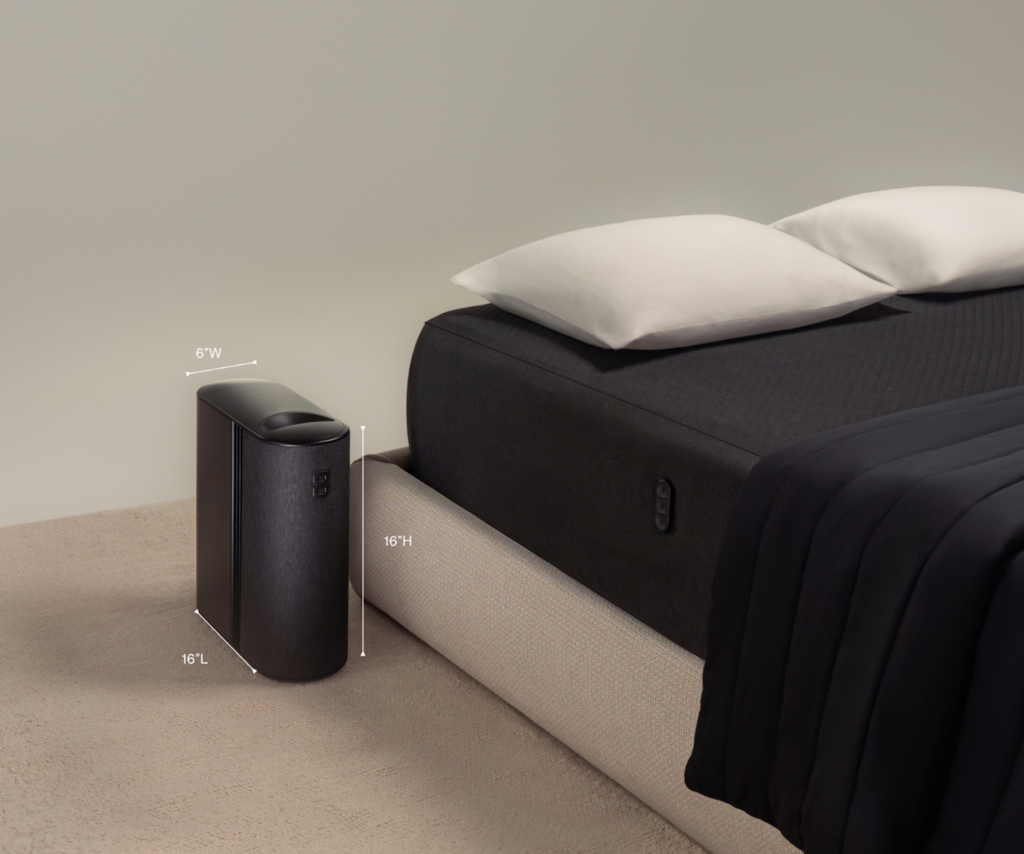
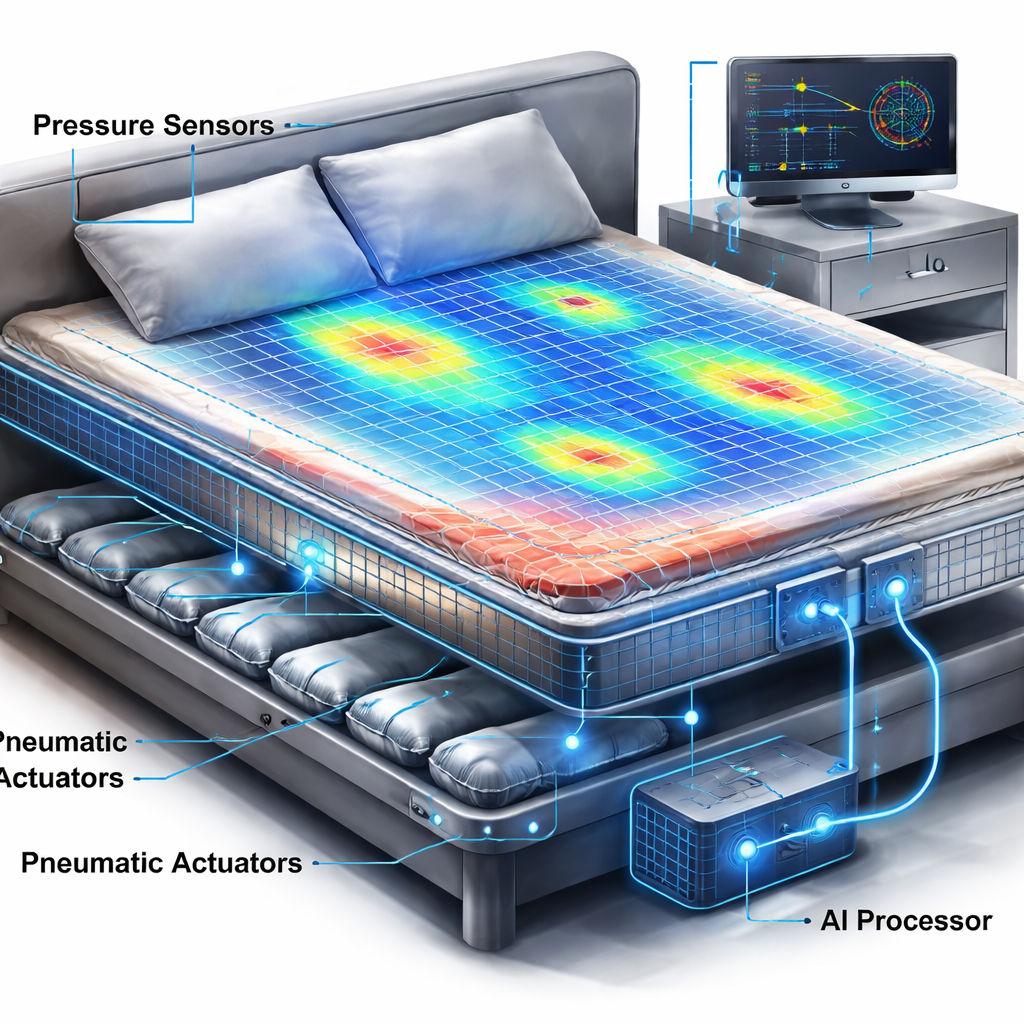
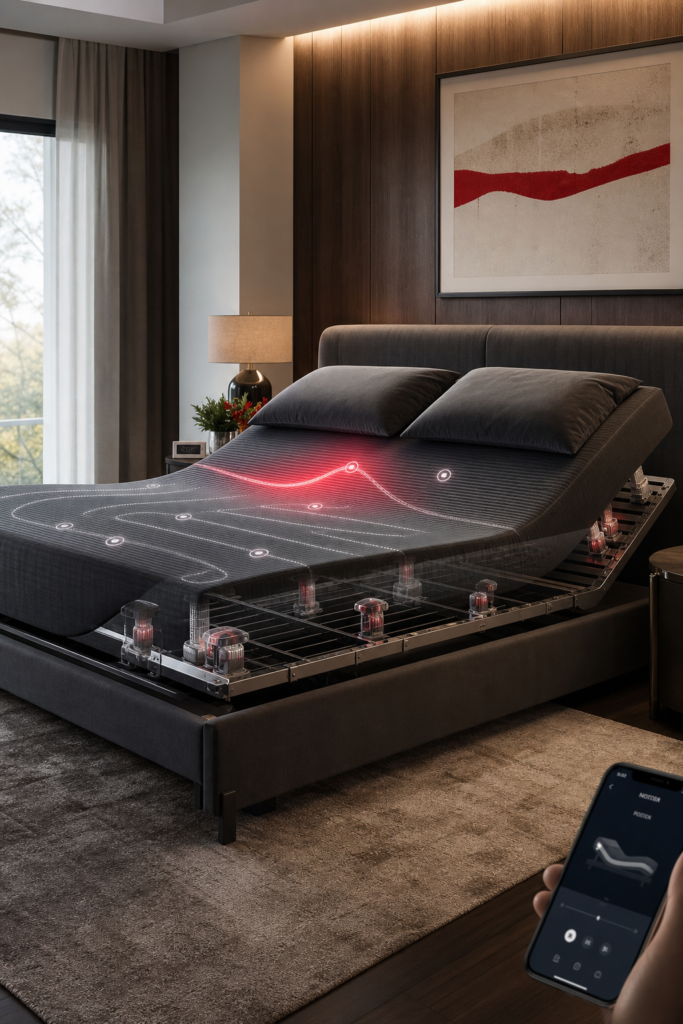
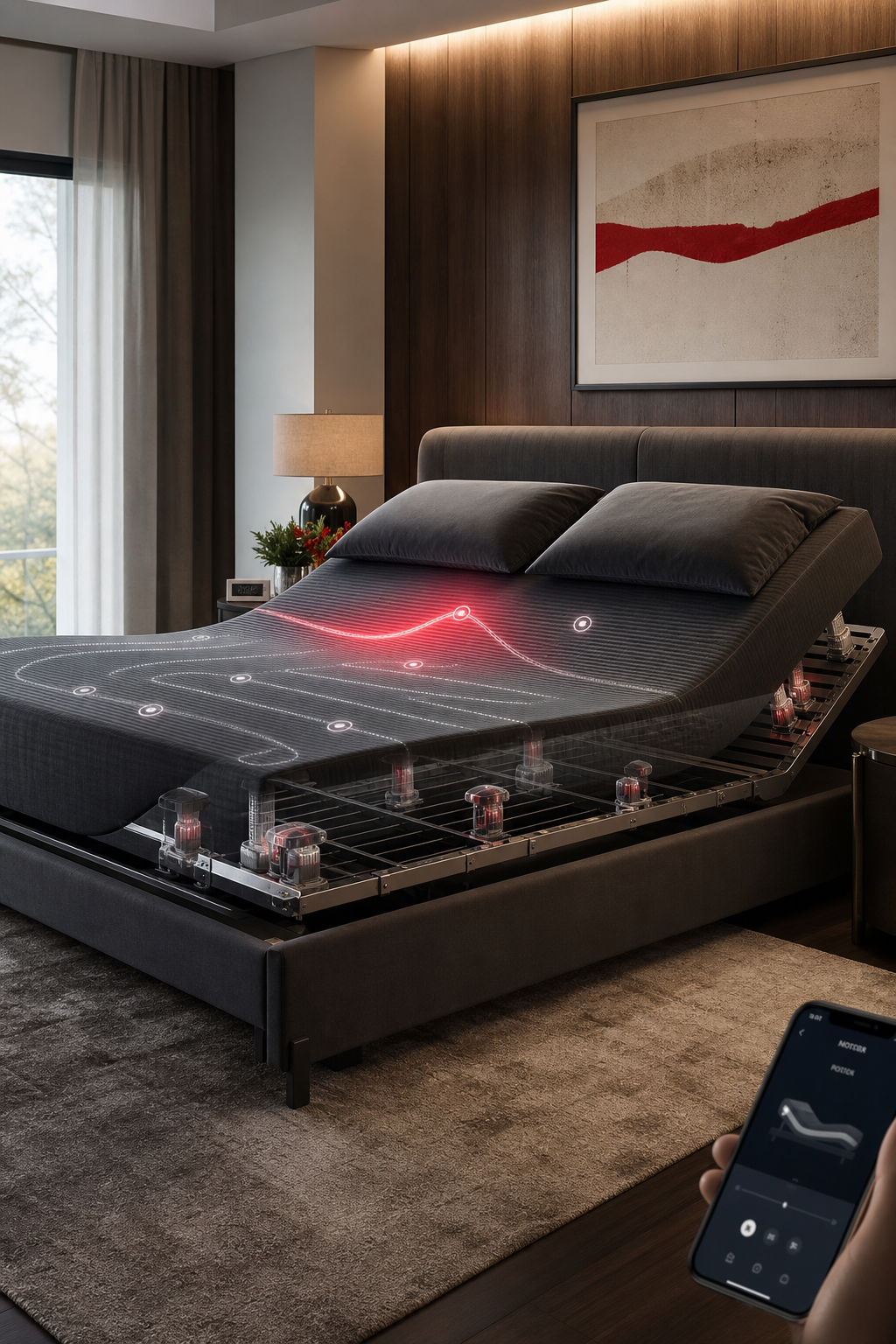
At their core, smart beds are regular mattresses that have extra electronics built in. Sensors sit under the surface and can track movement, heart rate, and breathing. Small motors adjust firmness or tilt the base. A tiny processor runs the logic, and a Bluetooth or Wi‑Fi module lets the bed talk to a phone app.
Imagine a mattress that knows when you roll onto your back and automatically softens the lower back zone. That’s the kind of feedback loop many models use.
These devices often integrate with smart home assistants, so you can say, “Make the bed cooler,” and the command travels through your Wi‑Fi router to the bed.
Most of the heavy lifting happens right on the bed itself. The processor crunches sensor data locally, decides if a change is needed, and moves the motor. The internet only steps in when you want to store data in the cloud, get sleep coaching, or control the bed from afar.
For a deeper look at the tech stack, see the Wikipedia entry on smart beds. It breaks down the hardware, software, and typical use cases in plain language.
And when you read a product page, watch for terms like “on‑device processing” or “local adjustment.” Those cues tell you the bed can operate without an internet link.
WiFi Dependency: Which Features Actually Need the Internet?
Not every feature calls for a network. Below is a quick map of what does and doesn’t need Wi‑Fi.
Features that run offline
- Adjustable firmness zones
- Temperature control that uses built‑in heating or cooling elements
- Built‑in massage motors
- Basic sleep tracking stored on the device
These functions rely on the bed’s own processor and power supply. You can press a button on the side rail or use a Bluetooth remote and the bed will respond instantly.
Features that need an internet link
- App‑driven presets that sync across multiple devices
- Cloud‑based sleep analytics that compare your data to large datasets
- AI coaching that suggests lifestyle changes based on trends
- Automatic firmware updates
When the bed can’t reach the cloud, these services either pause or fall back to a simpler mode. For example, some smart beds will still let you change firmness manually, but the auto‑adjust algorithm that learns your nightly patterns stops working.
And if you care about privacy, you can often disable the cloud sync in the app settings. That keeps the sensors active while cutting the data stream.
Here’s a usable tip: before you buy, check the spec sheet for a “Wi‑Fi required” badge. If the badge is missing, the bed likely works fine offline.
For more context on how hospitals evaluate IoT‑enabled mattresses, see a study of nurses’ perceptions of smart mattresses in a clinical setting (NCBI). The research notes that many advanced features depend on cloud connectivity, while core comfort functions do not.
Can You Use a Smart Bed Without WiFi?
Yes. The majority of models on the market work perfectly without ever seeing a router. In a 2026 analysis of 19 smart‑bed entries, 79% functioned fully offline.
Let’s look at a real‑world scenario. Imagine you live in a cabin with spotty internet. You buy a smart bed that offers adjustable firmness and a heating layer. You set the zones using the side controls, and the bed remembers your preferences night after night. You won’t get the daily sleep score report, but you still enjoy the comfort benefits.
And if you later install Wi‑Fi, you can enable the extra services without needing to replace the bed. The hardware is already there; the software just unlocks new options.
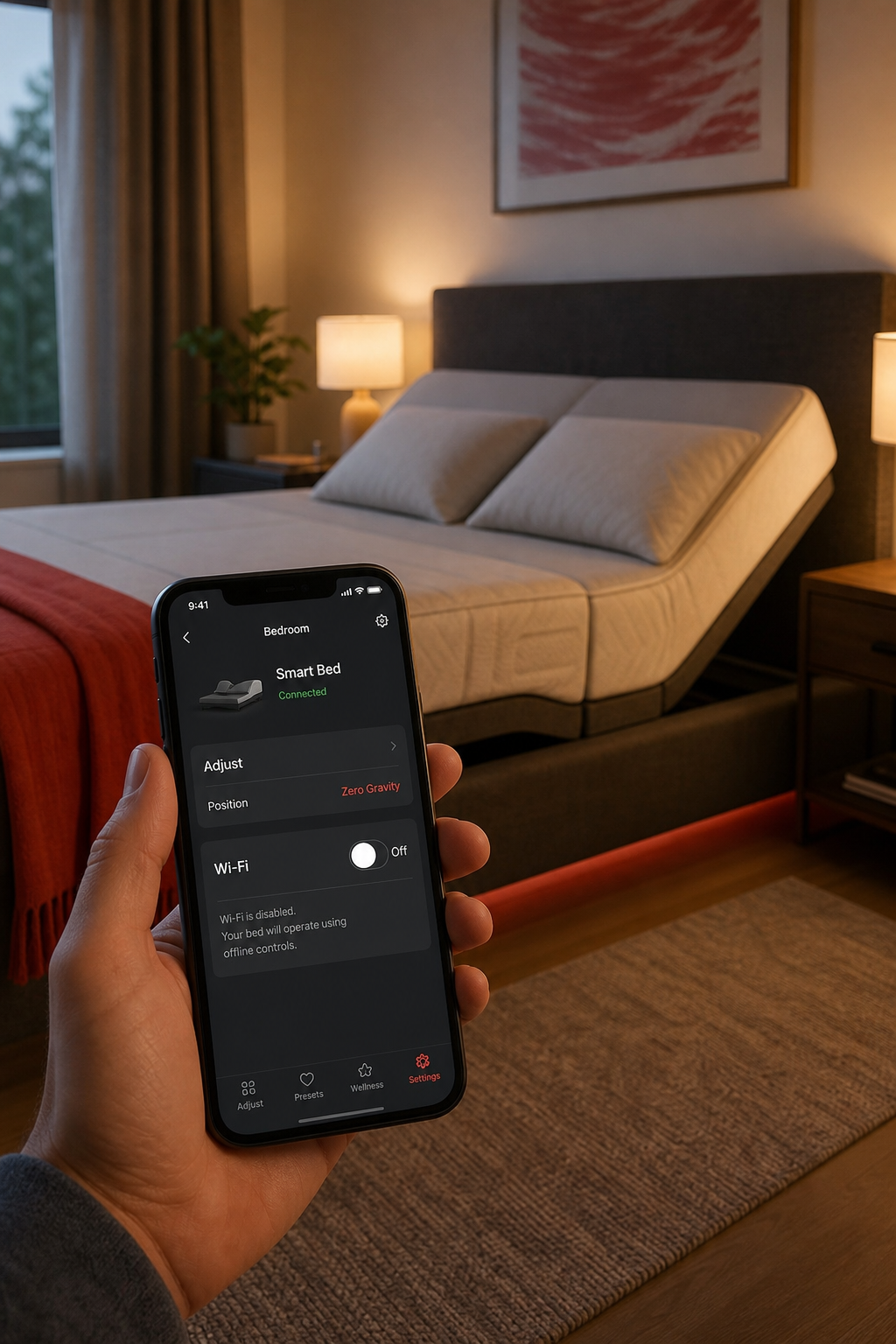
Some brands make it easy to toggle the connection. For example, some high‑end models include a “Wi‑Fi off” mode that disables cloud sync but leaves all motor functions active.
Here’s what to do if you already own a Wi‑Fi‑dependent bed and want to go offline:
- Open the companion app.
- Find the connectivity settings.
- Switch the mode to “Local only” or disable cloud sync.
- Test the bedside controls to ensure they still work.
Most manufacturers provide a quick‑start guide that walks you through these steps. If you can’t find it, a short search on the brand’s support site usually yields a PDF.
And remember, the lack of Wi‑Fi does not void the warranty for the mechanical parts. The warranty usually covers motor lifespan and fabric durability, not the software subscription.
Pros and Cons of a Connected Smart Bed
Connecting your bed to the internet opens up a world of data‑driven comfort, but it also brings trade‑offs. Below is a balanced look at the main advantages and drawbacks.
Overall, the pros shine for tech‑savvy users who love data and automation. The cons matter for privacy‑concerned folks or those in areas with unreliable internet.
One study of nurses working with IoT‑enabled mattresses found that while staff welcomed the potential to reduce manual work, they worried about false alarms and device malfunctions when the network was spotty. That mirrors what home users experience: more features mean more points of failure.
“A truly smart bed doesn’t just connect to the internet—it connects to your body’s natural rhythm, adjusting so subtly you barely notice it working.”
Bottom line: If you value real‑time coaching and smooth voice control, a connected bed is worth the Wi‑Fi. If you just want a comfy, adjustable base, offline mode is more than enough.
How to Decide If You Need WiFi for Your Smart Bed
Start by listing the features you actually plan to use. Write them down on a phone or a piece of paper.
Next, match each feature to its connectivity requirement. For instance, if you only care about firmness zones, you can check “offline” next to that line.
Then, consider your home network health. Do you have a stable 2.4 GHz signal in the bedroom? If the signal drops often, you may face intermittent app glitches.
Finally, weigh privacy concerns. Some users prefer to keep health data on the device rather than in a cloud store.
Here’s a quick checklist you can follow:
- Do you want daily sleep scores? → Requires Wi‑Fi.
- Do you need voice control? → Requires Wi‑Fi.
- Is manual adjustment enough? → No Wi‑Fi needed.
- Is firmware auto‑update important? → Requires Wi‑Fi.
If most of your answers are “no,” you can safely choose a model that works offline. If several are “yes,” look for a bed with a strong app and clear data‑privacy settings.
And remember, many brands let you start offline and enable Wi‑Fi later. That flexibility means you don’t have to lock yourself into a single decision right away.
Frequently Asked Questions
Do all smart beds require a Wi‑Fi connection to function?
No. Most core functions, like adjustable firmness, temperature zones, and built‑in massage, operate locally on the bed’s hardware. Only advanced services such as cloud‑based sleep analytics, AI coaching, and automatic firmware updates need internet access.
Can I turn off Wi‑Fi after setting up my smart bed?
Yes. Most companion apps include a setting to disable cloud sync or put the device in “local only” mode. After you turn it off, the bed will still respond to side‑rail buttons and Bluetooth remotes for all offline features.
Will disabling Wi‑Fi affect my warranty?
Generally, it will not. Warranties typically cover mechanical components and motor life. They rarely depend on whether the software stays online, though you should keep the firmware updated when you can reconnect.
How does a smart bed store data when offline?
Data is saved to internal flash memory. You can download the nightly report via Bluetooth or USB when you connect the phone or a computer. The data stays on the device until you choose to sync it with the cloud.
What security risks exist if I keep my smart bed online?
Any internet‑connected device can be a target for hackers. Choose a brand that offers regular security patches, uses encrypted connections, and lets you change default passwords. Turning off Wi‑Fi when you don’t need cloud features reduces exposure.
Do I need a special router for a smart bed?
Most beds work with any standard 2.4 GHz Wi‑Fi router. Some newer models also support 5 GHz, but the low‑frequency band provides better range through walls, which is useful for bedroom placement.
Are there smart beds that work with Bluetooth only?
Yes. A few models rely solely on Bluetooth for app communication and skip Wi‑Fi altogether. Those beds are ideal for users who want local control without any internet dependency.
Can I use multiple smart beds on the same network?
You can, but each bed will need its own IP address. If you have many devices, consider assigning static IPs or using a dedicated IoT subnet to avoid conflicts.
Conclusion
Smart beds bring a mix of comfort tech and data‑driven features. The key insight is that Wi‑Fi is not a blanket requirement; it only powers the cloud‑heavy services. If you care about automatic sleep coaching, real‑time analytics, or voice integration, a connected setup makes sense. If you simply want a mattress that can adjust firmness, heat, or massage on demand, you’ll be fine without a router.
At SmartBeds.net we aim to cut through the hype and help you match the right tech to your sleep goals. Review the feature list, test the offline controls, and decide whether the extra connectivity is worth the trade‑off.
Whether you go fully connected or stay offline, a smart bed can still improve your rest. Choose the path that fits your lifestyle, and you’ll wake up feeling refreshed and in control of your sleep environment.