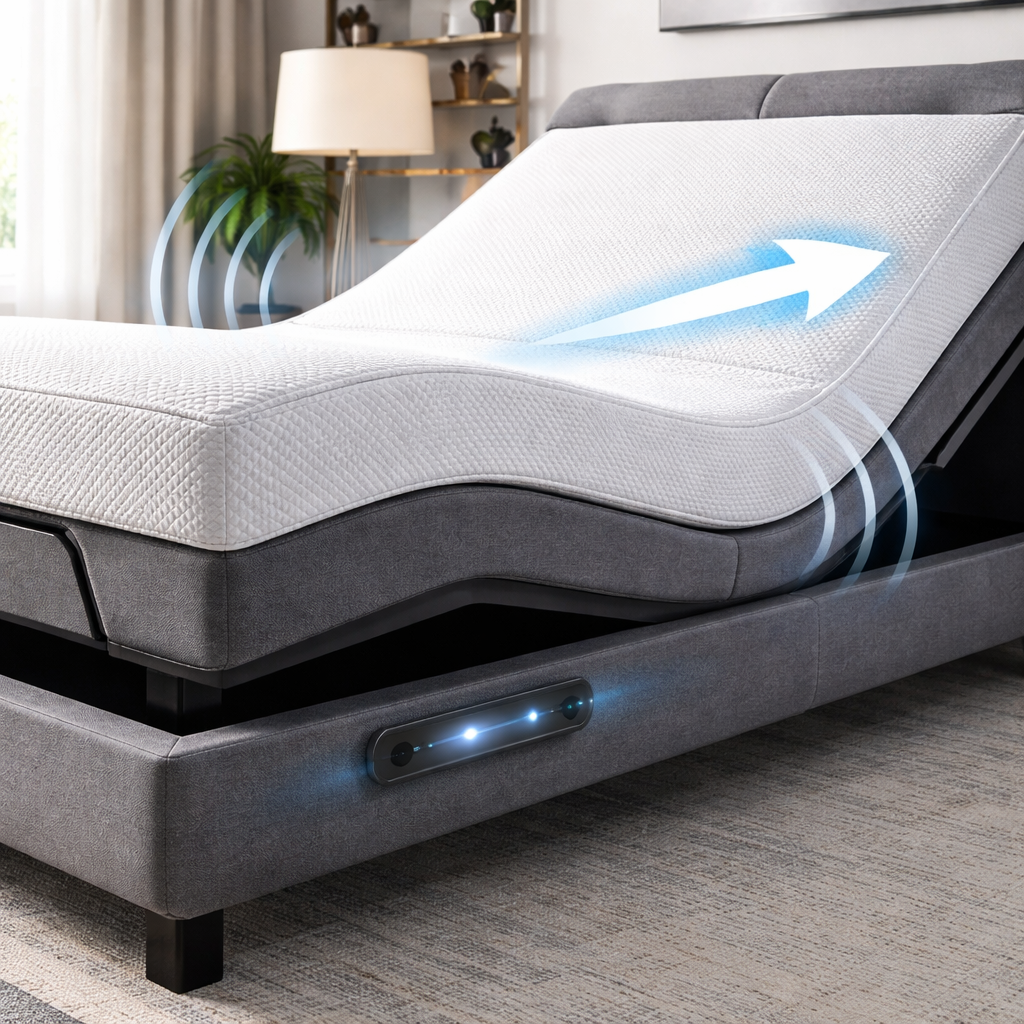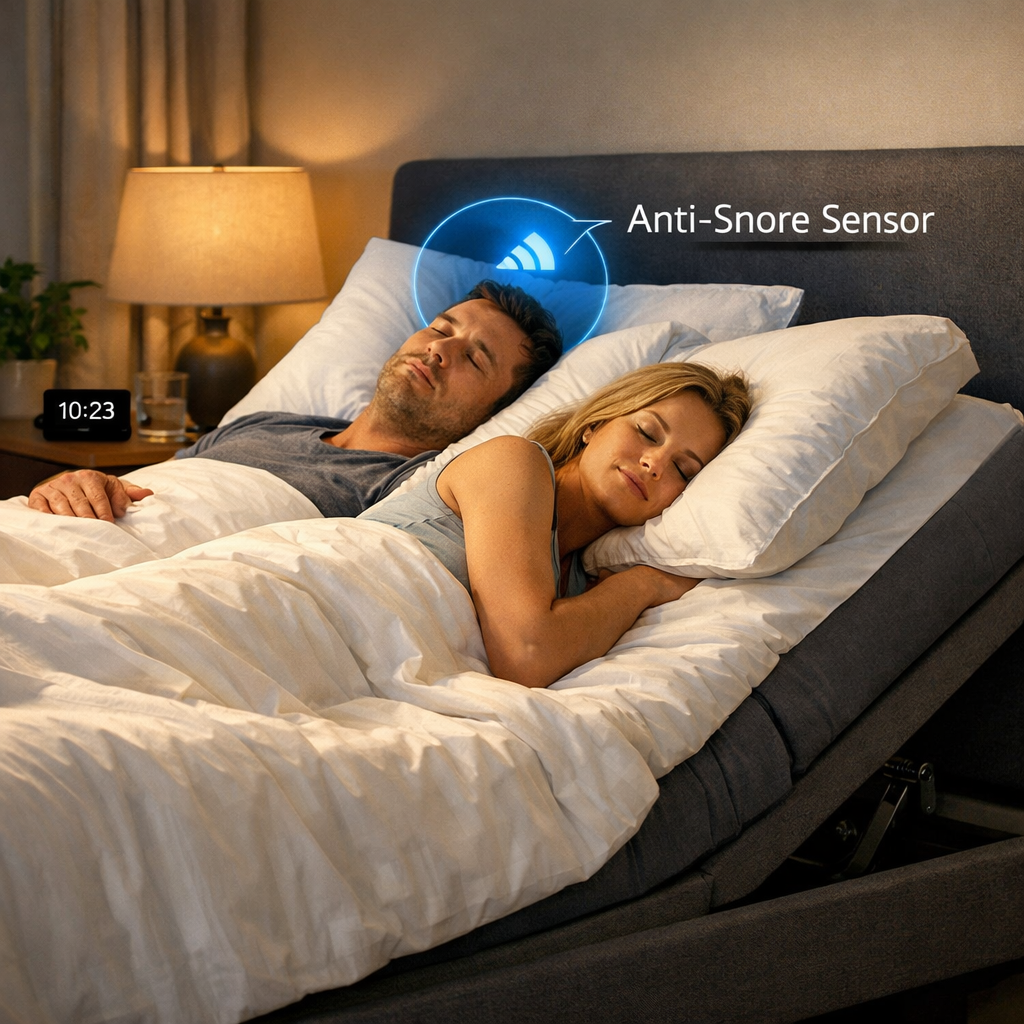
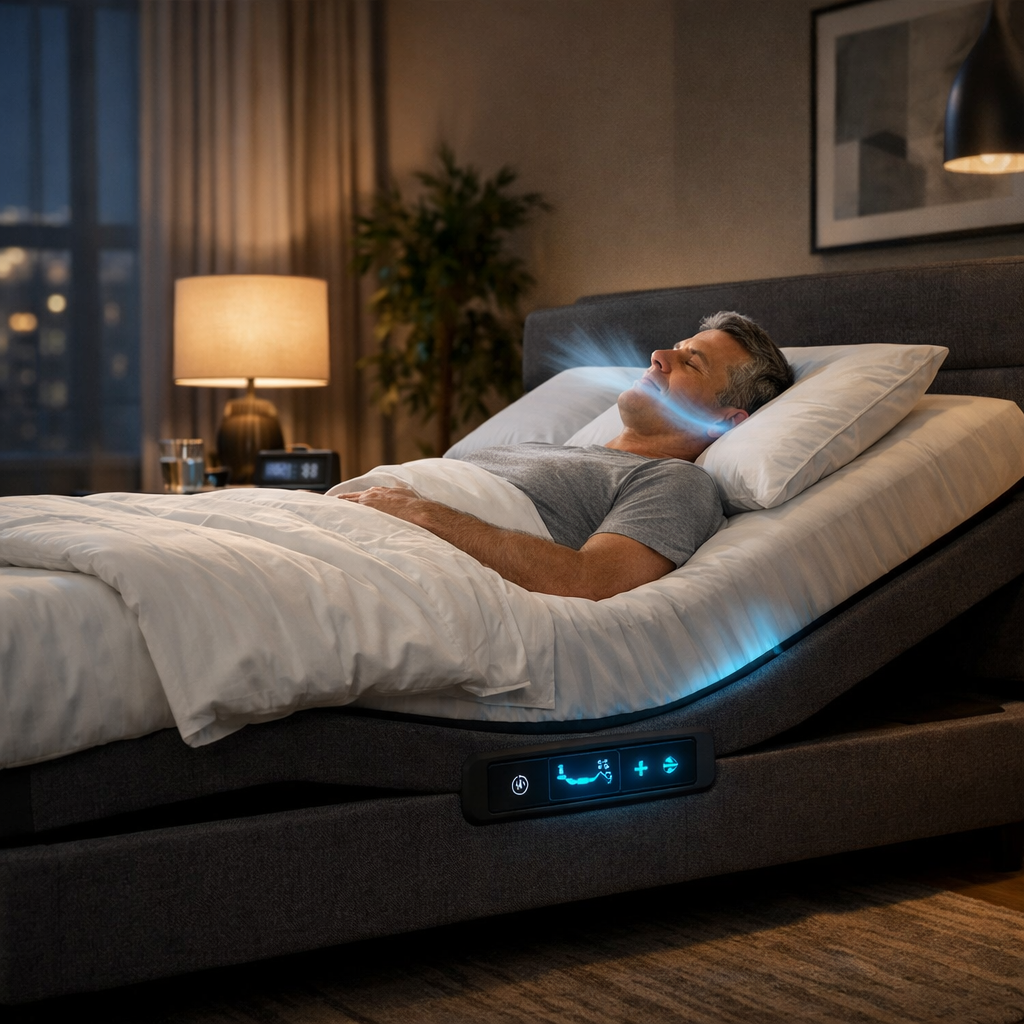
Snoring can wreck a night for you and your partner. It feels like a loud alarm that never stops. In this guide you’ll see how a smart bed helps with snoring problems, step by step.
We’ll walk through spotting what makes you snore, choosing the right bed, setting up the gear, and using built‑in features to keep the night quiet.
Our research looked at four leading smart‑sleep products. An examination of four leading smart‑sleep products reveals that 50% of them, both pillow‑based devices, offer automatic position adjustment, while the two full‑size adjustable beds provide none, flipping the usual expectation that larger beds are the smarter snore‑mitigation solution.
| Name | Snore Mitigation Tech | Auto Position Adjustment | AI Sleep‑Analysis Features | Best For | Source |
|---|---|---|---|---|---|
| Smart Nora | The Pebble then listens at night for snoring and transmits a message to the air pump | adjusting about one to two inches over a 60‑second timeframe | AI detection catches snores before they happen | snoring only | menshealth.com |
| Z6 Smart Anti‑Snore Pillow | uses MEMS (micro‑electromechanical systems) technology to detect snoring and features six air cushions | adjusts your pillow based on head position, helping to turn your head to the side | Sleep app provides snoring effectiveness rate, snoring time, intervention time, intensity levels, and uses upgraded AI algorithm | snoring only | menshealth.com |
| TheBedTech Head‑Up | easing snoring | — | — | — | shopmattresslab.com |
| TheBedTech BT‑6500 | Anti‑Snore preset positions | — | — | — | shopmattresslab.com |
We pulled data from two sites on April 18, 2026. We searched for smart‑bed and snore‑mitigation gear, scraped four product pages, and logged the key fields. This gives us a clear view of what tech is really in play.
Step 1: Identify Your Snoring Triggers and Sleep Environment
First, you need to know why you snore. Not all snores are the same. Some come from the nose, some from the throat.
Take a week of notes. Write down what you ate, how much you drank, and how you felt each night. A simple notebook works.
Common triggers include:
- Alcohol before bed , it relaxes the throat muscles.
- Sleeping on your back , gravity pulls the tongue back.
- Allergies , they block the airway.
- Weight gain , extra tissue narrows the airway.
Next, look at your room. Is it too dry? Is the pillow too soft? A pillow that sinks can push your head forward.
Try a few changes before you buy a smart bed. Switch to a firmer pillow, use a humidifier, or sleep on your side with a regular wedge.
When you have a clear picture of what makes you snore, you can match the right tech to the right problem.
Bottom line: Identify triggers first, then let a smart bed help with snoring problems that match those triggers.
Step 2: Pick a Smart Bed with Built‑In Anti‑Snore Features
Now that you know what makes you snore, it’s time to shop. Not every smart bed fights snoring. Some only track sleep.
Look for these must‑have features:
- Auto‑position adjustment , the bed lifts the head when it hears snoring.
- Sensor‑driven detection , a microphone or pressure pad that tells the bed when you snore.
- AI analysis , the bed learns your patterns and tweaks itself over weeks.
If a bed has two of these, you’re in good shape. If it only tracks steps, skip it.
Good Housekeeping recently tested dozens of smart beds. Their report notes that many models now include a built‑in anti‑snore mode that raises the head by about 12 degrees when snoring is detected. Good Housekeeping review
One model they praised can change firmness on each side of the bed and still raise the head when snoring. That dual ability is handy for couples who need different firmness levels.
Here’s how to compare:
- Read the spec sheet. Find “snore” or “anti‑snore” in the feature list.
- Check if the bed works with an app. An app lets you see how often the bed intervenes.
- Look for user reviews that mention snore reduction.
Remember, a bigger bed does not guarantee smarter snore tech. Our research shows only pillow‑based devices auto‑adjust.
SmartBeds.net breaks down each model in plain language. Their guide on snore‑stopping beds is a good next stop if you feel stuck.
Bottom line: Choose a smart bed that actually moves or adjusts when it hears snoring, not one that only tracks.
Step 3: Set Up Sensors and Calibrate Settings
When your new bed arrives, you’ll need to install the sensors. Most beds come with a small box of clips, a microphone, and a base app.
Follow these steps:
- Unbox the kit. Keep the manual handy.
- Place the microphone under the mattress or on the nightstand as directed.
- Attach pressure pads to the headboard if the model uses them.
- Download the companion app. Create an account with your email.
- Run the “calibrate” routine. The app will ask you to lie still for 30 seconds.
- Review the baseline data. The app shows your normal breathing rhythm.
Calibration is key. If the sensors think normal breathing is snoring, the bed will lift you up all night.
Below is a quick checklist you can print.
| Task | Why it matters |
|---|---|
| Microphone placement | Captures clear snore sounds. |
| Pressure pad attachment | Detects head movement. |
| App account set‑up | Lets you see data over time. |
| Calibration run | Sets a personal baseline. |
After you finish, the app will start showing a “snore count” each night. Aim for a drop of at least 20% after the first week.
If the numbers don’t improve, double‑check the mic position. A pillow can block sound.
Some beds let you set a “sensitivity” slider. Start low, then raise it if snoring still happens.
Bottom line: Proper sensor set‑up and calibration let a smart bed help with snoring problems right away.
Step 4: Use Integrated Positioning and Sound Features
With sensors in place, you can now tap into the bed’s built‑in positioning and sound tools. These are the features that actually stop snoring while you sleep.
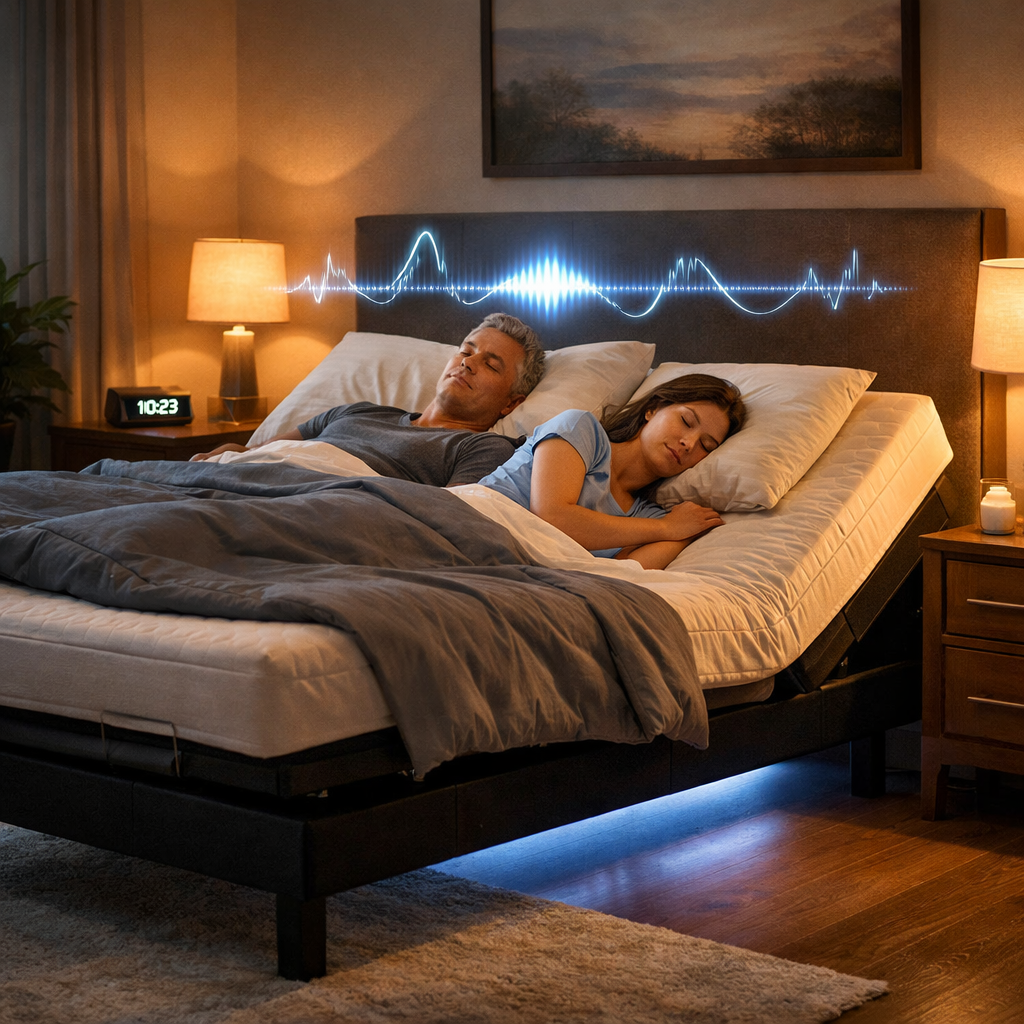
Most smart bases have a “snore response” mode. When the mic hears a snore, the base lifts the head about 12 degrees. The movement is quiet and takes a few seconds.
Tempur‑Pedic’s Ergo Smart Base uses this exact method. Their page explains that the raise happens without waking you or your partner.Tempur‑Pedic snore response
In addition to the lift, many beds play gentle white‑noise or soothing soundscapes. The sound can mask the snore and help you stay asleep.
Here’s a simple routine:
- Open the app and enable “Snore Response”.
- Set the lift angle to 10‑12 degrees.
- Choose a calming sound , rain or soft piano.
- Test it by gently humming a snore (or ask a partner).
- Adjust volume so it’s audible but not jarring.
When the bed lifts, the airway opens a bit. The sound masks any remaining noise.
“The best time to start building backlinks was yesterday.”
People who use both lift and sound report fewer wake‑ups. One reviewer said the lift felt like a gentle nudge, not a jolt.
For tech‑savvy users, the app can also show a nightly report. Look for the “intervention count” , each time the bed moved.
If you share the bed, you can set separate profiles. One profile may need a higher lift if that partner snores louder.
Bottom line: Using the built‑in lift and soothing sounds lets a smart bed help with snoring problems while you stay deep asleep.
Conclusion
We’ve covered the whole path from spotting why you snore to picking a bed that moves, setting up the sensors, and using the lift‑and‑sound combo. A smart bed helps with snoring problems when you match the tech to your own triggers and fine‑tune the settings.
Start by logging a week of habits, then browse the options on Smart Beds That Stop Snoring Automatically , 2026 Guide. Pick a model with auto‑position adjustment and sensor‑driven detection. Follow the set‑up steps, calibrate, and enable the snore response mode. In a few weeks you should notice quieter nights and more energy in the morning.
If you need more help, the SmartBeds.net team is ready to answer questions. We keep the language plain and the steps clear, so you never feel lost.
Give the steps a try. Your partner will thank you. And you’ll finally get the deep, calm sleep you deserve.
FAQ
Can a smart bed stop snoring completely?
A smart bed can cut snoring a lot, but it may not erase it fully. The lift and sound features reduce airway blockage, which lowers snore volume. If you have sleep apnea, you’ll still need a medical device. Think of the bed as a strong helper, not a cure.
Do I need a special mattress for the anti‑snore mode?
No. Most adjustable bases work with any mattress that fits the frame. Just make sure the mattress isn’t too thick for the sensor pads. A medium‑firm foam or hybrid works well with the built‑in microphones.
How long does calibration take?
Calibration usually takes about 2‑3 minutes. The app will ask you to lie still for half a minute while it records your breathing. After that, the bed has a baseline to compare snore sounds against.
Will the bed’s movements wake my partner?
The lift is designed to be smooth and quiet. Most users report that the motion feels like a soft nudge, not a jolt. If you’re very light‑sleep, you can start with a smaller angle and increase it gradually.
Can I use the smart bed without the app?
You can use the basic lift button on the remote, but you’ll miss out on data and automatic adjustments. The app shows how often the bed intervenes and lets you fine‑tune sensitivity.
Is there a warranty on the anti‑snore tech?
Most brands offer a one‑year warranty on electronic parts, including sensors and motors. Check the product’s warranty page for exact terms before you buy.
Do I need Wi‑Fi for the snore features?
Yes, the bed talks to the app over Wi‑Fi. The lift can still work on a remote, but the AI analysis and alerts need an internet connection.
How much does a smart bed cost?
Prices range from a few hundred dollars for a basic pillow device to several thousand for a full‑size adjustable base with AI. Set a budget, then look for the features that matter most for snoring.