Snoring can turn a quiet night into a noisy battle. If you’ve tried pillows, sprays, and even sleeping on a couch, you know how frustrating it is when the bedroom feels like a concert hall. This guide breaks down everything you need to know about smart mattresses that actually listen, sense snoring, and lift the head just enough to quiet the night. You’ll walk away with a clear picture of the tech, the must‑have features, how the beds fit into a connected home, and usable tips for setting them up.
How Anti‑Snore Technology Works
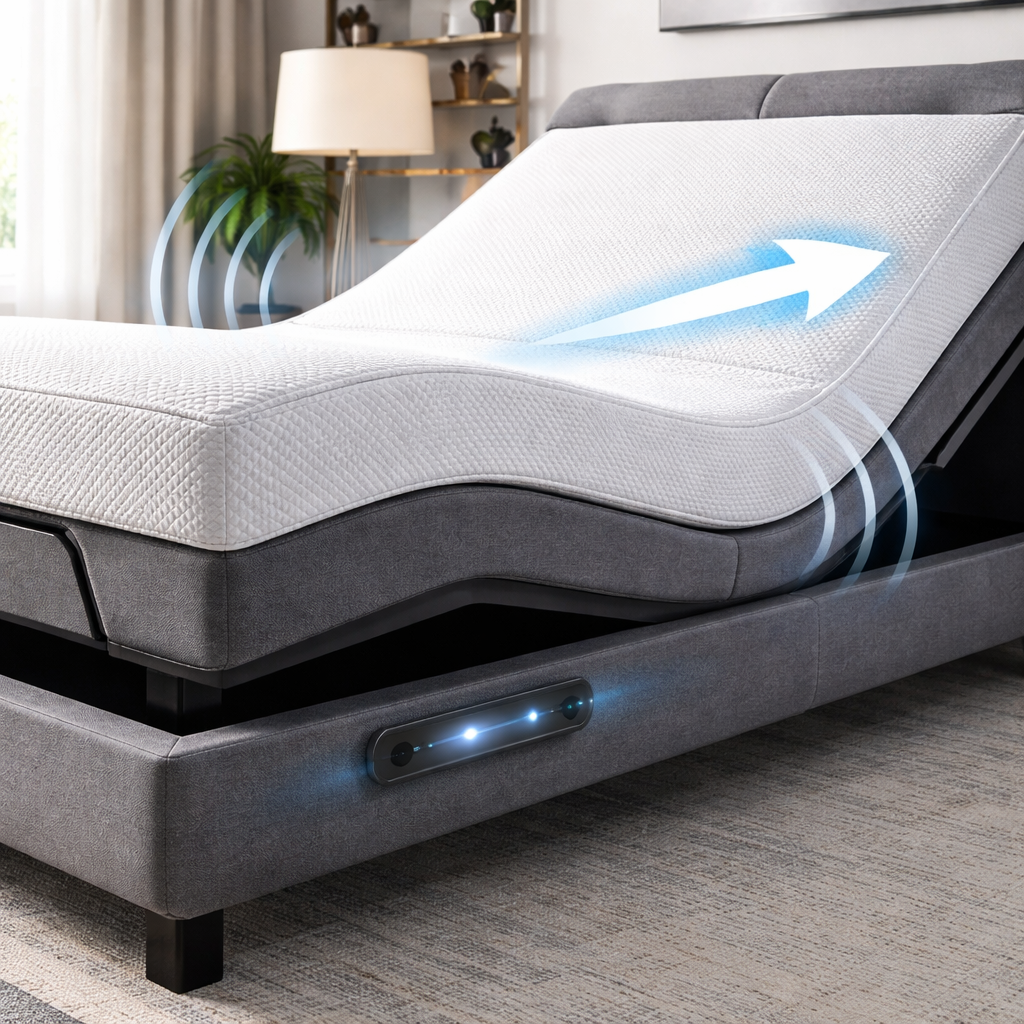
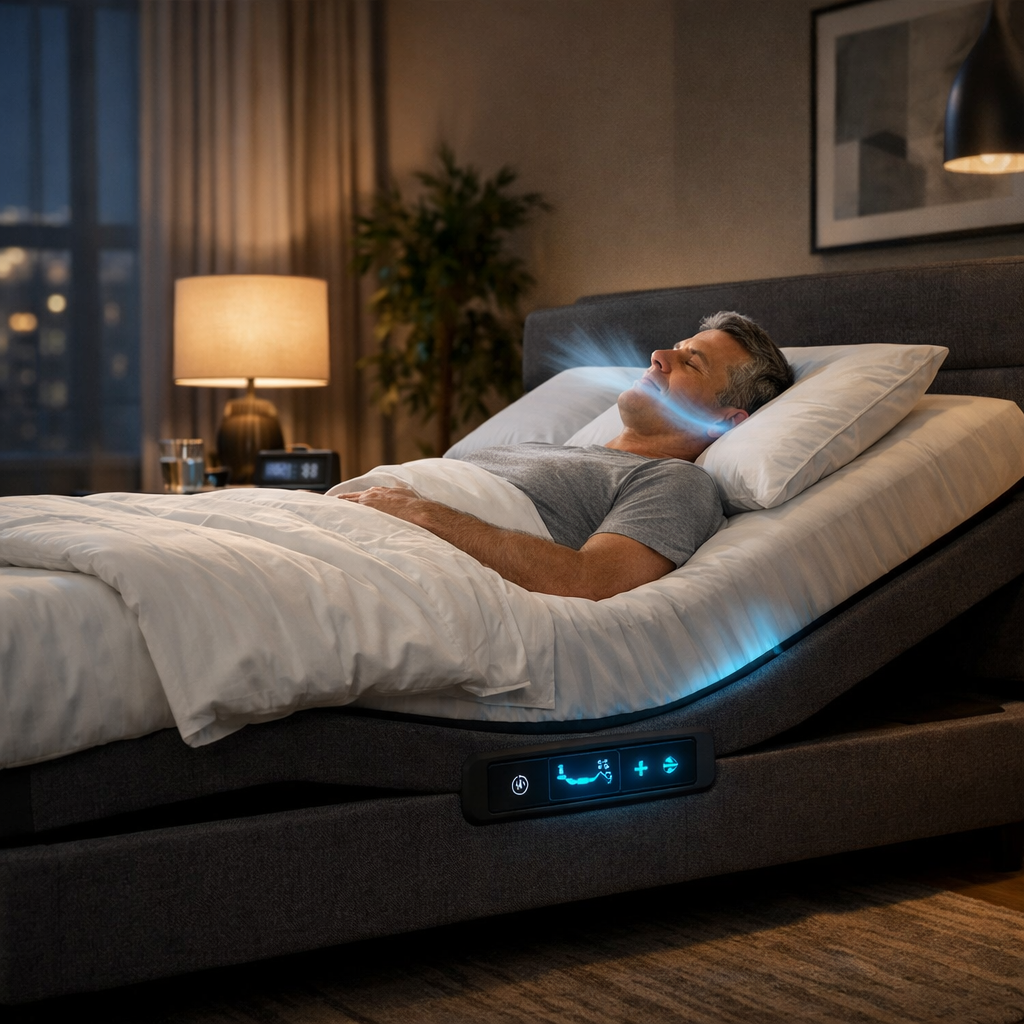
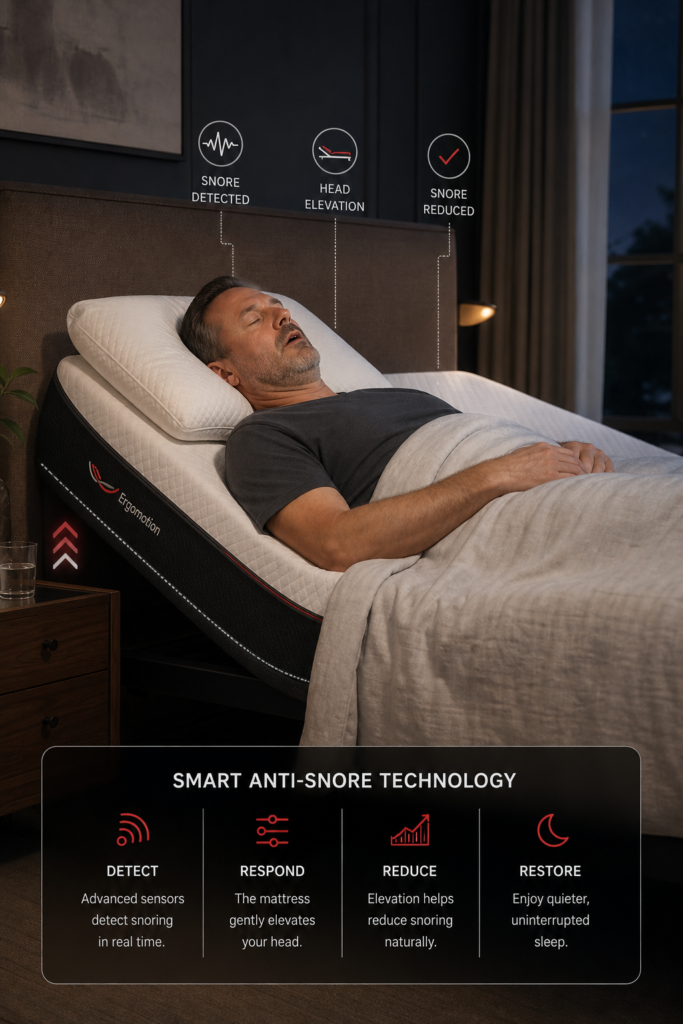
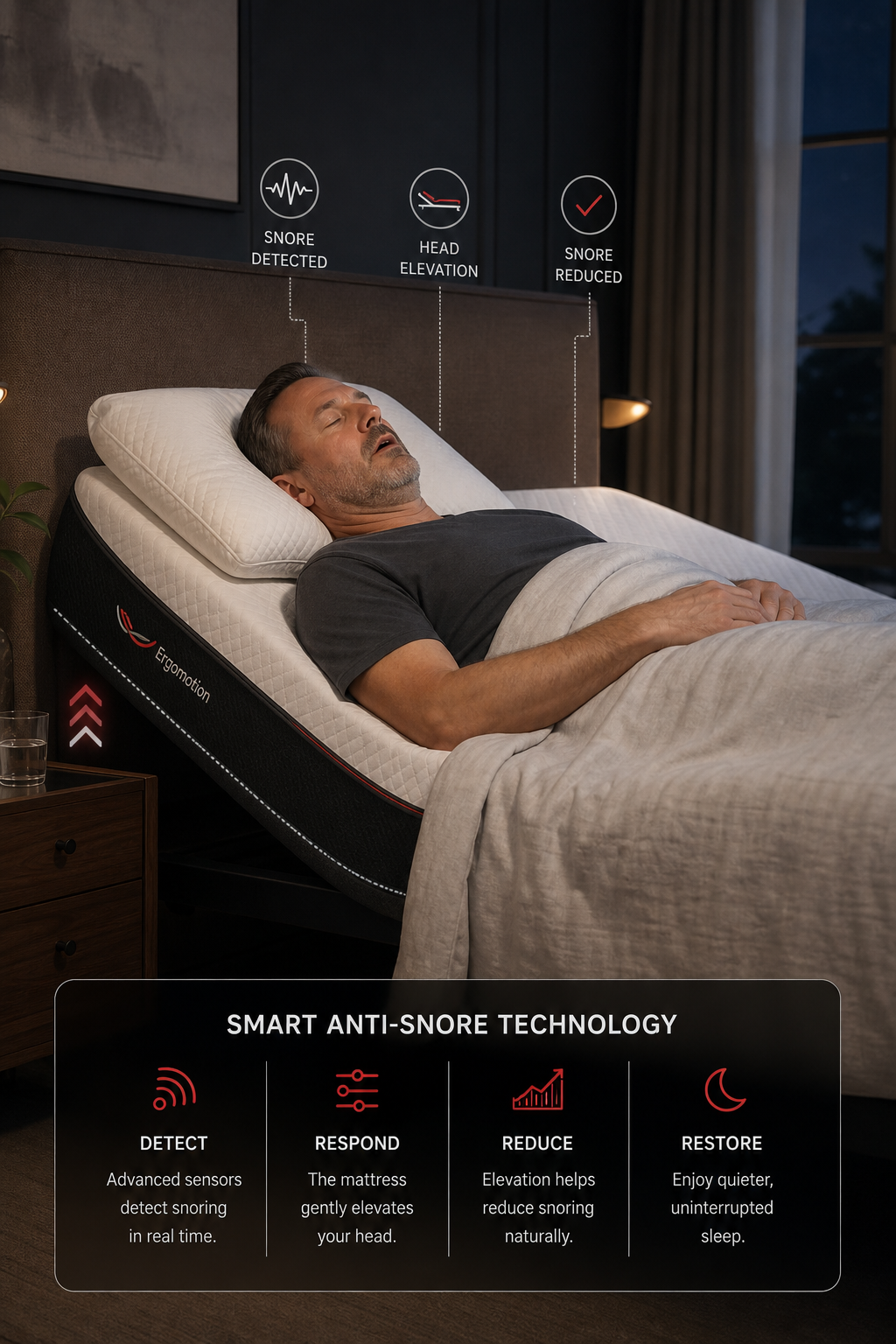
At the heart of any anti‑snore smart mattress is a sensor suite that watches your breathing and sound. The bed’s microphone or vibration sensor picks up the distinct pattern of snoring , a louder, irregular airflow sound that differs from normal breathing. When the sensor confirms a snore event, a micro‑controller tells the base to raise the head end by a few degrees. That tiny tilt opens the airway, reduces vibration, and often stops the snore in seconds.
Most premium models use a combination of sound detection and breathing‑rate monitoring. The bed watches heart‑rate and chest movement with pressure pads embedded in the mattress. If the breathing rhythm slows or becomes irregular, the system treats it as a possible apnea event and can trigger an alert in the companion app.
Because the lift is automatic, you never have to press a button in the middle of the night. The adjustment is gentle , usually 3‑6 cm , so you stay comfortable while the airway clears.
Here’s a step‑by‑step view of the cycle:
- Sensor detects a snore‑like sound or breathing irregularity.
- Algorithm verifies the event against a short‑term baseline to avoid false triggers.
- Base motor lifts the head zone just enough to open the airway.
- Sleep resumes; the system logs the event for later review.
Some beds also include a vibration alert that wakes the snorer gently before the lift, giving the user a chance to shift position on their own. The lift‑only approach is quieter for a partner who shares the bed.
Research shows that 75% of smart mattresses on the market today include some form of anti‑snore feature, ranging from simple alerts to automatic head‑raise mechanisms (Wikipedia). The most sophisticated systems, like those found in premium models, use both sound and breathing data to decide when to act.
Key Features to Look For in a Smart Mattress
When you start comparing beds, focus on the features that directly affect snore reduction and overall sleep health. Not every smart mattress is built the same, and a few key specs can make the difference between a quiet night and a night of constant interruptions.
Snore Detection Method
Look for beds that use both acoustic microphones and pressure sensors. Acoustic‑only systems can mistake a partner’s cough for snoring, while pressure‑only setups may miss light snoring that doesn’t cause strong chest movement. A dual‑sensor approach gives you the most reliable detection.
Head‑Raise Mechanism
Automatic head‑raise should be motor‑driven and capable of fine‑tuned angles. Some entry‑level beds only offer a fixed 10‑degree lift, which may feel too abrupt. Premium bases let you set the lift angle from 2 to 8 degrees, so you can find the sweet spot for your airway.
Companion App & Data Insights
An app that logs snore events, shows a night‑by‑night heat map, and offers coaching tips is a huge win. You’ll see patterns , maybe snoring spikes when you drink alcohol or when the room is too warm , and you can adjust habits accordingly.
Integration Options
Check if the bed talks to Alexa, Google Assistant, or Apple HomeKit. Voice control lets you say “Hey Alexa, turn on anti‑snore mode” without fumbling for a remote. Integration also means you can include sleep data in larger health dashboards like Apple Health or Google Fit.
Additional Comfort Tech
Features such as cooling layers, zoned firmness, or massage motors can improve overall sleep quality, which in turn reduces snoring. A cooler sleep surface helps keep airways open, while a well‑supported spine reduces pressure that might otherwise cause throat narrowing.
One usable tip: When you first set up the app, enable the “snore‑alert” notification. It sends a gentle push to your phone if the bed detects a snore but can’t lift enough to stop it, giving you a chance to adjust the pillow or try a different sleep position.
According to the National Heart, Lung, and Blood Institute, untreated sleep apnea , often signaled by loud snoring , raises the risk of hypertension and heart disease (NIH). Choosing a bed that actively intervenes can be a simple step toward better cardiovascular health.
Integration with Smart Home and Health Ecosystems
Smart mattresses don’t live in a vacuum. They become more valuable when they talk to the other devices you already own. Here’s how you can weave a snore‑stop bed into a broader health and home automation strategy.
Voice Assistants
Most top‑tier bases support Amazon Alexa and Google Assistant. You can create a routine that says, “Good night,” which does three things at once: lowers the lights, sets the thermostat, and activates anti‑snore mode. The routine runs with a single voice command, keeping the bedtime process smooth.
Health Platforms
Many companion apps sync data to Apple Health, Google Fit, or Samsung Health. This means your nightly snore count, sleep stages, and heart‑rate data appear alongside step counts and workouts. Over weeks, you can spot correlations , maybe your snore frequency drops after evening runs or rises after late caffeine.
Environmental Sensors
Link the bed to a smart thermostat or air purifier. If the bedroom temperature climbs above 72 °F, the thermostat can lower the heat while the bed’s cooling layer kicks in, creating a double‑layer defense against airway narrowing.
Lighting and Wake‑Up
Some bases include built‑in LED strips that dim gradually. Pair that with a smart alarm that fires when you’re in light sleep, and you wake up feeling refreshed instead of groggy.
For a deeper look at how devices share data, the CDC’s sleep health page explains the benefits of integrated monitoring (CDC). It notes that combining environmental data with personal sleep metrics can improve overall sleep hygiene.
When you plan your setup, map out the data flow: the mattress sends snore events to the app, the app pushes a trigger to Alexa, Alexa tells the thermostat to adjust, and the lights dim. A clear flow prevents overlapping commands and ensures each piece works in harmony.
Installation and Compatibility Tips
Even the smartest bed can fall short if it’s not installed right. Follow these usable steps to avoid common pitfalls and keep the anti‑snore system humming.
Base Compatibility
Most adjustable bases fit standard bed frames, but check the clearance for the motorized legs. If you have a low‑profile platform, you may need to add risers or choose a low‑height base model.
Power Requirements
The base needs a dedicated outlet, especially if it includes USB‑C charging ports and speakers. Avoid plugging it into a surge strip that also powers a TV; the extra load can cause voltage dips that affect sensor accuracy.
Wi‑Fi Setup
Place the base’s Wi‑Fi module within 10 feet of your router for a stable connection. If your bedroom is far from the router, consider a mesh node or powerline adapter.
Mattress Pairing
While many mattresses work with any adjustable base, a few premium models recommend using the brand’s own mattress for optimal sensor alignment. If you opt for a third‑party mattress, verify that the sensor pads sit flush against the surface; gaps can create blind spots for snore detection.
Calibration
After you assemble the bed, run the built‑in calibration routine. The bed will ask you to lie still while it learns your baseline breathing pattern. This step is important; without calibration the system may misread normal breaths as snoring.
One more tip: keep the remote or smartphone within arm’s reach during the first week. You’ll want to fine‑tune the lift angle and notification settings based on real‑world performance.
Our team at SmartBeds.net recommends checking the manufacturer’s installation guide before you start. If you run into trouble, many brands offer free white‑glove setup , a worthwhile investment for a smooth experience.
Smart Beds That Stop Snoring Automatically , 2026 Guide walks you through the exact steps for popular models and includes a troubleshooting checklist.
Conclusion
Smart mattresses with anti‑snore technology blend sensors, simple mechanics, and software to turn a noisy night into a quiet one. By understanding how the detection and head‑raise work, focusing on the features that matter, wiring the bed into your smart home, and installing it correctly, you set yourself up for long‑term sleep success.
Remember, the goal isn’t just to silence snoring , it’s to create a healthier breathing pattern, better oxygen flow, and a calmer mind. A well‑tuned smart bed can become the silent partner that watches over you while you rest.
If you’re ready to explore options, start with the guide on smart beds that stop snoring automatically. Our calm, step‑by‑step approach will help you choose the right model, set it up, and start enjoying quieter nights.
Sleep is personal. Your mattress should adapt to you, not the other way around. With the right anti‑snore smart bed, you’ll finally get the uninterrupted rest you deserve.